

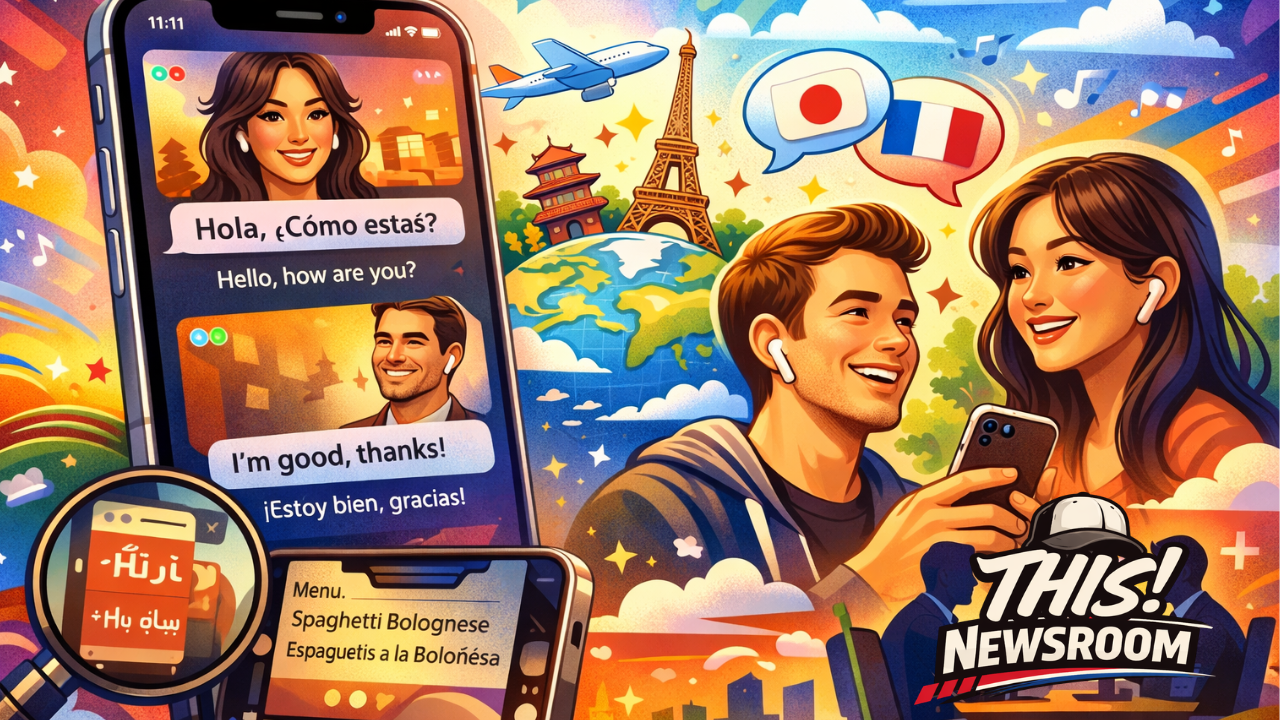
Apple just quietly dropped one of the most powerful features we’ve seen in years with the release of iPhone 26.3—and it’s not about the camera, battery, or design.
It’s about language barriers disappearing completely.
With real-time, all-language translation built directly into the iPhone, Apple is redefining how we communicate across the world—whether you’re traveling, doing business, or just trying to order dinner in another country.
What’s New: Real-Time Translation Across All Languages
The biggest headline feature in iPhone 26.3 is Live Universal Translation, powered by Apple’s latest on-device AI engine.
Here’s what makes it a game changer:
- Real-time voice translation with no noticeable delay
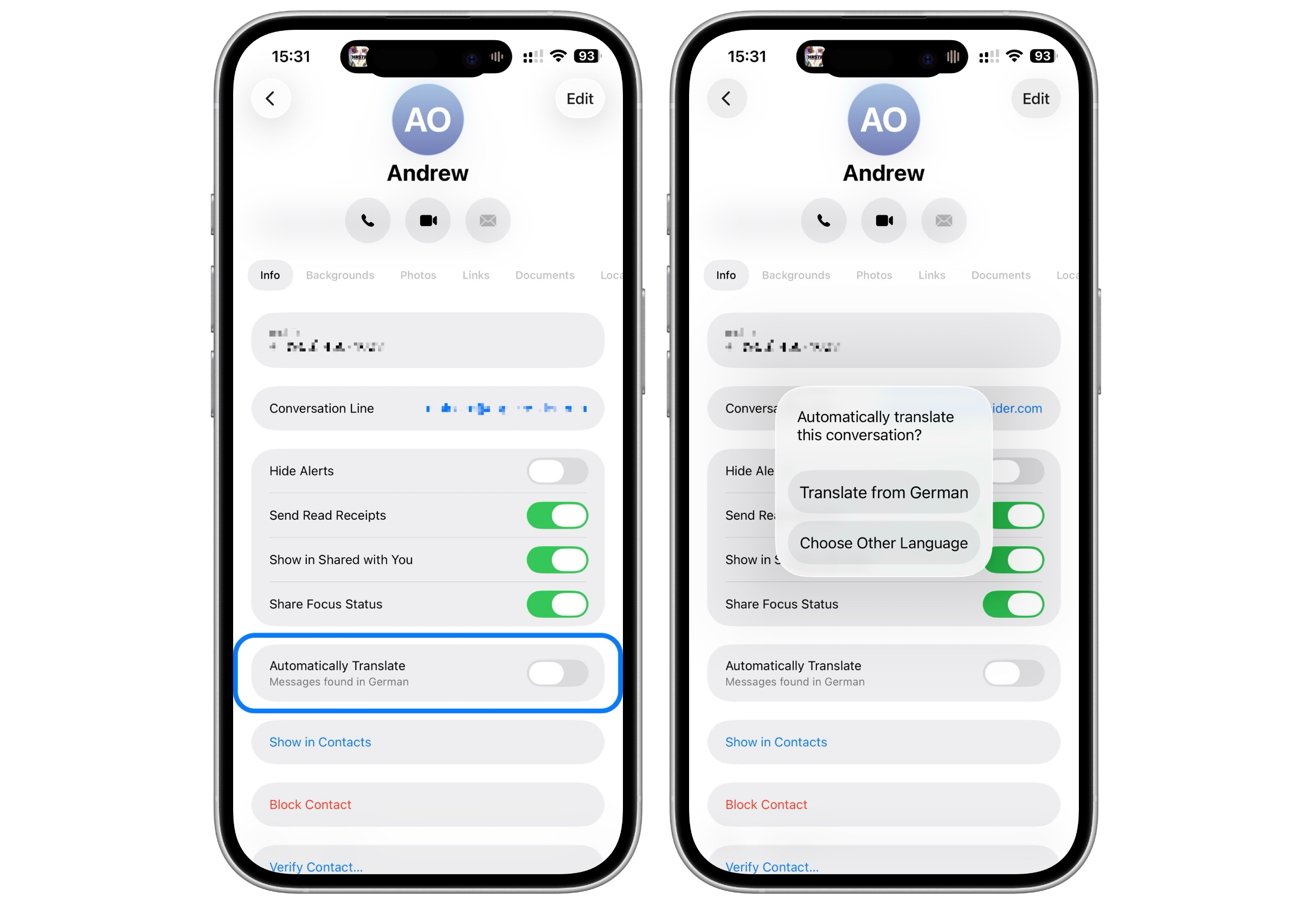
- Text translation inside any app (Messages, Safari, Mail, WhatsApp, etc.)
- Offline capability for most major languages
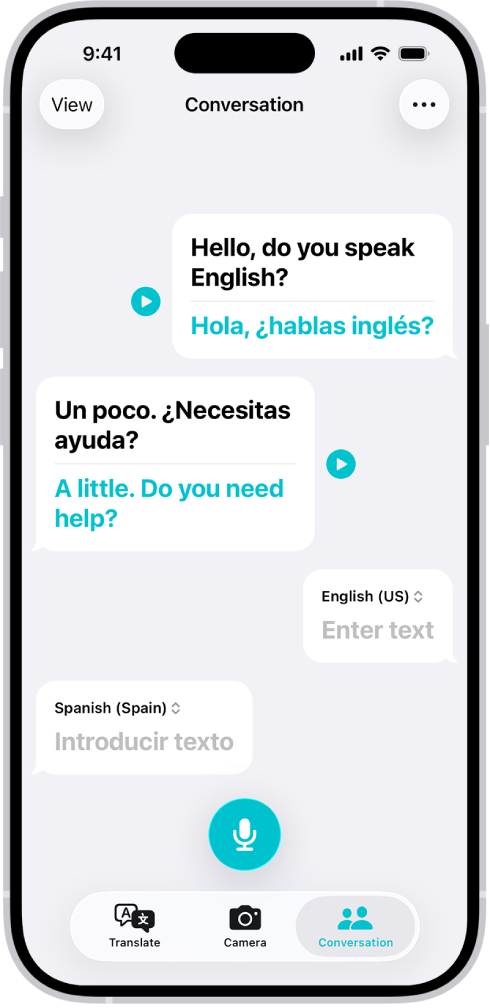
- Bi-directional conversations where both people speak naturally
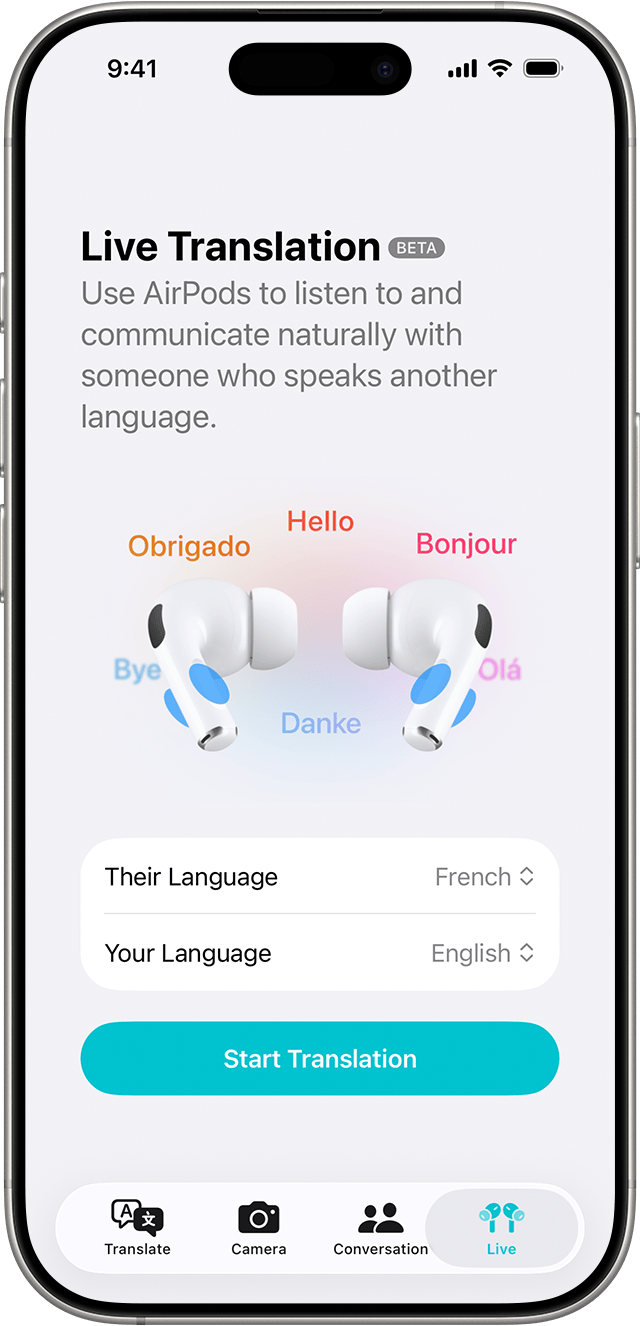
- AirPods integration for seamless listening
Unlike previous versions of translation tools, this isn’t clunky or robotic—it’s fluid, fast, and surprisingly natural.
How to Use Real-Time Translation (Step-by-Step)
4
1. Open “Live Translate”
- Swipe down and search “Translate”
- Or activate via Siri:
“Translate this conversation”
2. Choose Languages (or Auto-Detect)
- Select your language and the other person’s
- Or enable Auto-Detect Mode
3. Start Talking Normally
- Each person speaks naturally
- The iPhone:
- Translates
- Speaks back instantly
- Displays captions on screen
4. Use AirPods for Private Mode
- Connect AirPods
- You’ll hear translations directly in your ear
Ideal for meetings, travel, and events.
5. Translate Text Anywhere
- Highlight text in:
- Messages
- Safari
- Tap “Translate”
- Instantly converts to your preferred language
Pro Tips and Hidden Features
1. Dual Screen Mode for Face-to-Face Conversations
Flip your iPhone sideways and it splits the screen:
- One side for you
- One side for the other person
Perfect for negotiations, customer service, and travel interactions.
2. Offline Language Packs
Download languages ahead of time:
- No Wi-Fi required
- Works in remote areas or during flights
Go to:
Settings → Translate → Download Languages
3. Context-Aware Translation
The AI understands:
- Tone
- Slang
- Intent
Example:
- “That’s sick” is translated based on meaning, not literal wording
4. Translate Live Calls
During phone calls:
- Enable Live Caption + Translate
- See translated subtitles in real-time
5. Camera Translation Mode
Point your camera at:
- Menus
- Signs
- Documents
They translate instantly on screen.
Why This Matters
This isn’t just a feature—it’s a shift in global communication.
- Business: Close deals without interpreters
- Travel: Navigate any country confidently
- Education: Learn languages passively
- Content Creation: Reach global audiences instantly
Apple is turning every iPhone into a real-time interpreter.
Final Take
The iPhone 26.3 release isn’t about incremental upgrades—it’s about removing friction from human interaction.
Language used to be a barrier.
Now it’s just a setting.