

Most people use AI by typing a long explanation of what they want, hitting enter and hoping the result sounds right.
However, there may be a much easier way.
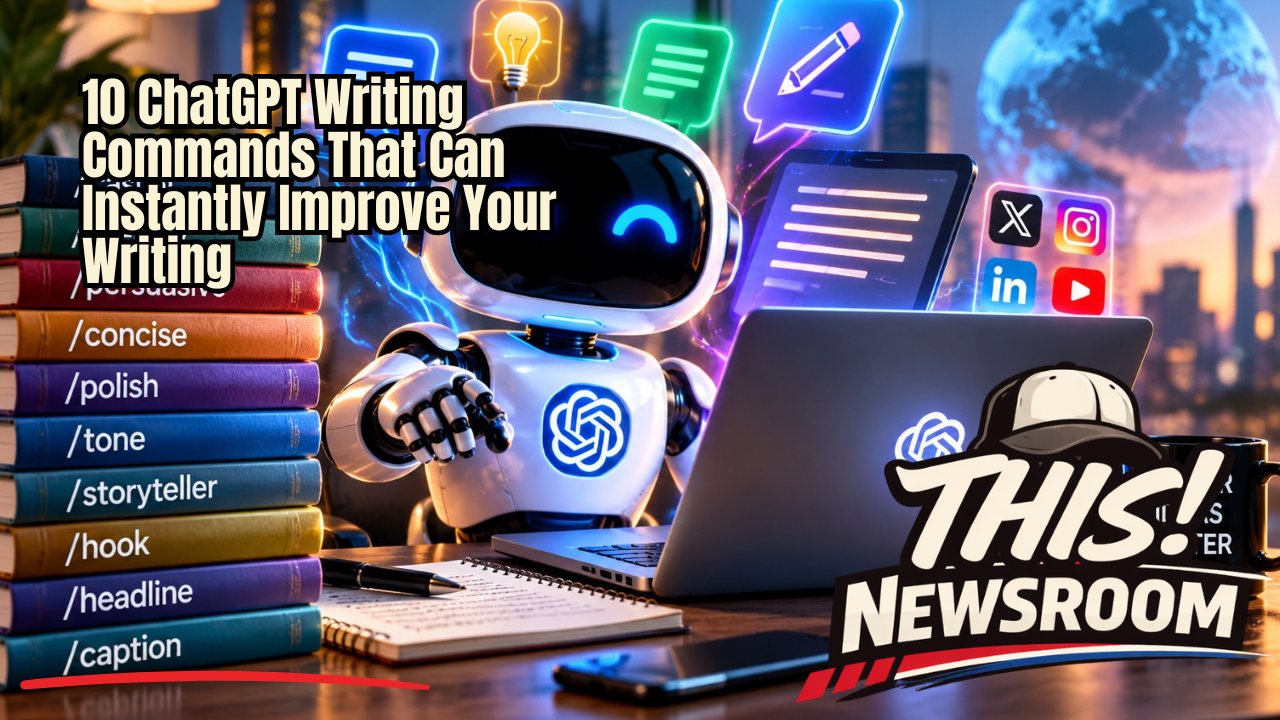
A growing collection of simple prompt commands is circulating across social media, showing how users can quickly tell AI tools such as ChatGPT exactly how they want their writing changed. These commands cover everything from making text more conversational to transforming basic information into a story.
Importantly, these are not secret ChatGPT functions. Instead, they are prompt shortcuts — concise instructions that can make interacting with AI faster and more consistent.
Some of them are surprisingly useful.
The Rise of AI Prompt Shortcuts
As generative AI becomes part of everyday work, people are developing their own shorthand for communicating with it.
For example, instead of writing:
“Can you rewrite this paragraph so that it sounds more conversational, natural and less like something written by a corporate communications department?”
A user might simply type:
/casual
ChatGPT does not require the slash command. Rather, the slash simply makes the instruction easy to recognize and reuse.
In many ways, these commands work like personal AI macros.
You provide the content, add the instruction and tell the AI how you want the output transformed.
10 ChatGPT Writing Commands Worth Trying
Here are several of the writing prompts highlighted in the viral list:
/casual — Make writing more conversational.
/friendly — Give the writing a warmer, friendlier voice.
/persuasive — Strengthen the argument and make the message more convincing.
/concise — Remove unnecessary words and tighten the copy.
/polish — Refine grammar, structure, flow and readability.
/tone — Adjust the tone for a specific audience or situation.
/storyteller — Transform information or facts into a more engaging narrative.
/hook — Generate an attention-grabbing opening.
/headline — Create stronger headline options.
/caption — Turn the information into social-media-ready copy.
Still, the important thing to understand is that these are not official universal commands with fixed behavior. Instead, they are simply short prompts that tell an AI model what transformation you want.
Why Short AI Prompts Can Work So Well
One of the biggest mistakes people make with generative AI is assuming longer prompts are automatically better.
Sometimes they are. However, clarity often matters more than length.
If you already have a piece of writing and simply want it shortened, “/concise” communicates the objective immediately.
Meanwhile, if your draft sounds stiff, “/casual” gives the AI a clear direction.
Likewise, if you wrote a detailed explanation but need an opening sentence that makes someone want to continue reading, “/hook” can generate several approaches in seconds.
The real power, however, comes from combining instructions.
For example:
/concise /casual /hook
That combination could tell the AI to shorten the writing, make it conversational and strengthen the opening.
Similarly, a business presentation might use:
/polish /persuasive /professional
A social media post, on the other hand, could use:
/casual /hook /caption
As a result, the possibilities quickly multiply.
These Aren’t Magic Words
There is an important distinction.
Typing “/storyteller” does not unlock a hidden ChatGPT storytelling system. Likewise, “/headline” is not necessarily an official built-in ChatGPT command.
Instead, the model understands the words because they describe recognizable writing tasks.
You could achieve essentially the same result by saying, “Turn this into a compelling story.”
Therefore, the slash format is best viewed as a way to make the workflow faster.
That is also why users can invent their own commands.
For instance, someone who frequently creates presentations might use:
/executive — Rewrite for a senior leadership audience.
A marketer could create:
/campaign — Turn this into advertising campaign copy.
Meanwhile, a journalist or blogger might use:
/newsroom — Rewrite this as a clean, factual news article.
Ultimately, there is no reason to stop with someone else’s list.
Build Your Own AI Writing Language
This is where the concept becomes much more interesting.
Rather than memorizing dozens of prompts found online, users can create a small personal vocabulary based on the work they perform most often.
For example, imagine writing:
/newsroom /concise /headline
That could signal that you want a clean news-style rewrite plus several headline options.
Alternatively, you might use:
/linkedin /professional /hook
That instruction could transform a rough idea into a polished LinkedIn post.
Over time, these shortcuts can become part of someone’s normal writing workflow.
In other words, the AI is not merely generating content anymore. Instead, it is becoming an editing layer between the idea in your head and the finished product.
The Bigger Shift Isn’t AI Writing — It’s AI Editing
Much of the early conversation surrounding generative AI focused on whether machines would replace writers.
However, that may be the wrong way to think about what is happening.
For millions of people, AI’s most useful role may be helping them become faster editors.
Start with your own idea.
Next, ask AI to tighten it.
Then, change the tone.
After that, improve the headline.
You can also generate a stronger hook or turn the same information into a story.
Finally, make the final decision yourself.
This workflow keeps the human responsible for the idea while using AI to accelerate the repetitive parts of rewriting and formatting.
One Prompt Can Become Five Pieces of Content
There is another advantage.
Once the original idea exists, AI can quickly reshape it for different audiences.
For example, a 500-word article could become a LinkedIn post, an X post, an Instagram caption, a YouTube description and an email — each with a different tone and structure.
The underlying information remains the same. However, the presentation changes.
As a result, creators, marketers, entrepreneurs and small businesses can dramatically reduce the amount of time spent rewriting the same message for multiple platforms.
The Bottom Line
You do not need a 500-word prompt every time you use AI.
Sometimes, three words are enough.
Commands such as /casual, /concise, /polish, /storyteller, /hook and /headline demonstrate something important about the future of AI. In particular, learning how to communicate clearly with these systems may matter almost as much as the technology itself.
Ultimately, the best commands might not be the ones circulating on Instagram.
They may be the ones you create yourself.
Once AI understands what you want, the difference between a rough thought and finished content can sometimes be just one instruction away.